
AutoCAD Design
As part of our service, we provide custom AutoCAD design and layout. This will serve as proof of your design in order to make sure all the details are in order, and for permitting purposes. A site plan typically consists of a scaled plan that shows the entire building, including exits, fire access lanes, fire hydrants, and fire sprinkler risers. A scaled floor plan shows the location and dimensions of the High Pile storage area, the location of the racks, and access door locations.
The following that we will need in order to provide you an accurate AutoCad drawing are:
- Building Layout with office and warehouse included
- A preliminary drawing of how and where you want to have the rack layout. This includes selective, double deep, flow, rack supported mezzanine, boltless shelving, bulk shelving, shelving supported catwalks, drive-in systems, push-back, rail guidance systems, and cantilever racks.
- Pallet size (including height, width, length, and weight),
- If there is any overhang and type of pallet being used.
- We need to know the ceiling and lowest clear height.
- Other information needed will be collected based on-site survey requested (i.e. beam height, lift-off height, row spaser width, etc.)
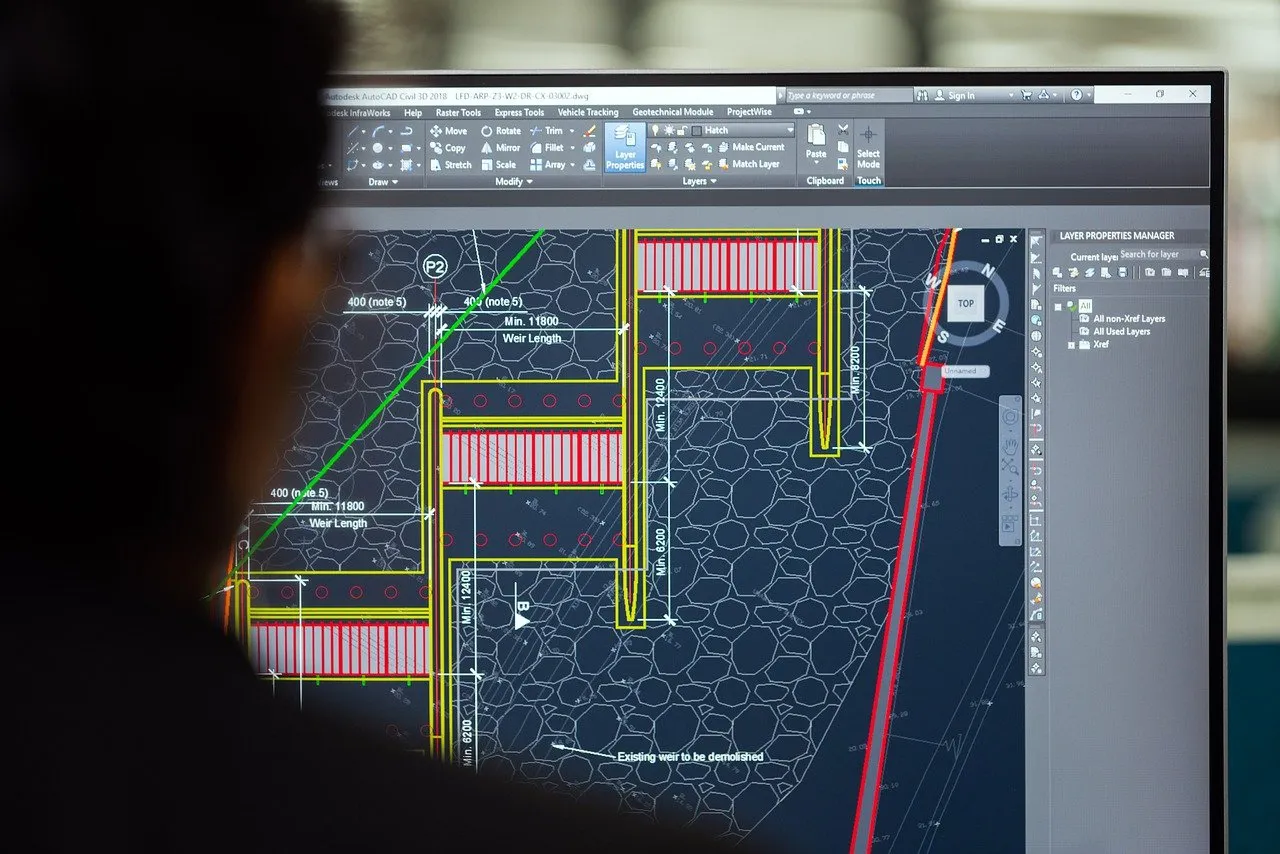
Service Overview: The Purpose of AutoCAD Design
The goal of our AutoCAD design service is simple: to eliminate guesswork and maximize your return on investment. By utilizing highly accurate digital models, we move beyond basic floor plans to engineer optimized material flow, strategic equipment placement, and high-density storage configurations. This essential step ensures your project is structurally sound, fully compliant with safety regulations, and designed for peak operational efficiency before you commit resources to installation.
Comprehensive Deliverables for a Turnkey Project
Our AutoCAD design package provides all the technical documentation necessary to move seamlessly from planning to permitting and installation. We ensure every critical detail is accounted for:
Scaled Site Plan
Accurate representation of the property boundaries and building location.
Rack Positions and Dimensions
Exact placement, sizes, and elevation views for all proposed racking systems.
Full Building Layout
Detailed floor plan showing the entire interior and exterior dimensions.
Fire Code Details
Clear mapping of all critical fire safety components (hydrants, standpipe risers, required fire lanes, and clearances).
High-Pile Storage Placement
Precise location and zoning of all areas requiring high-pile storage permits.
Access Doors and Safety Aisle Spacing
Verified compliance for all access points, egress routes, and minimum required aisle widths for safe material flow.
Benefits of Professional AutoCAD Warehouse Design
Professional design is an investment that pays dividends by mitigating risk and maximizing efficiency across your entire project lifecycle.
Optimized Warehouse Space
We meticulously plan every cubic foot of your facility, ensuring the highest density of storage possible without compromising operational flow or accessibility.
Better Safety and Fire Code Compliance
Designs are rigorously checked against local fire codes, seismic requirements, and OSHA standards, minimizing liability and preventing costly code violations.
Faster Permitting Approval
Providing authorities with complete, accurate, and compliant CAD drawings drastically reduces back-and-forth communication, leading to speedier permit approvals.
Reduced Installation Errors
Precision drawings eliminate ambiguity, allowing installation crews to execute the build exactly as planned, saving time and avoiding expensive field adjustments.